Complaint Management System: How to Capture, Track and Resolve Customer Complaints
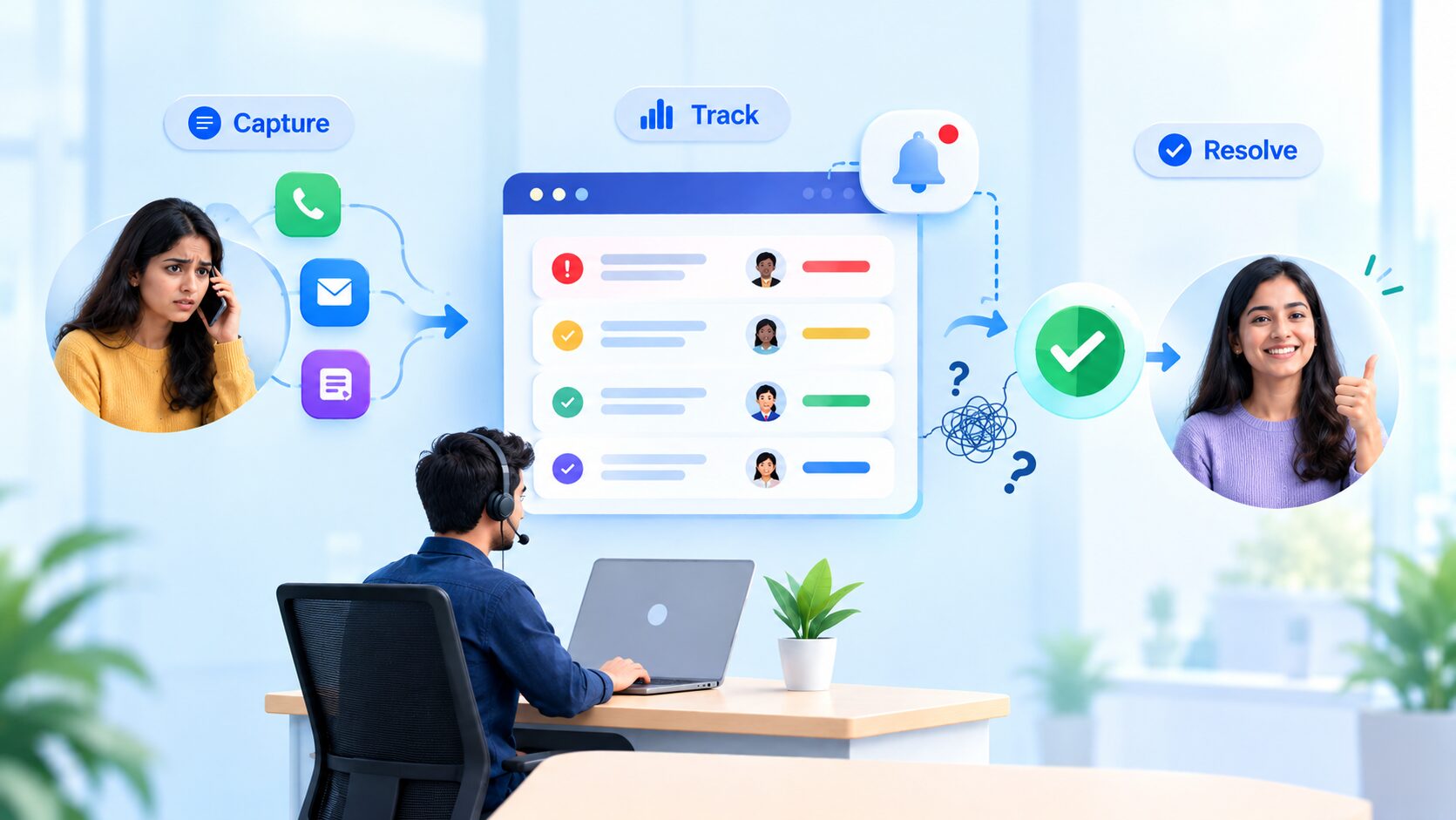
A customer calls about a wrong delivery. Another sends an email about a double charge. A third leaves a note at the front desk. A week later, nobody can say who is handling which complaint. A complaint management system fixes this by recording every complaint in one place, giving it an owner and a deadline, and following it until it is resolved. Here is how to capture, track and resolve customer complaints without letting any slip through.
What Is a Complaint Management System?
A complaint management system is software that records every customer complaint, assigns it to a person and tracks it from the first report until it is resolved. Think of it as a complaints register that never loses a page. Each entry has a number, an owner and a status, so you can always tell what is open, who is working on it and what has been closed.
You may also hear it called complaint management software or a customer complaint management system. They all mean the same thing: one place to handle complaints properly.
Why Complaints Get Lost
When complaints arrive through calls, emails and handwritten notes, they are easy to miss. No one owns the follow-up, the same problem is reported again and again, and the customer has to keep explaining. A slow reply can make the original problem feel even worse.
The Complaint Management Process in 5 Steps
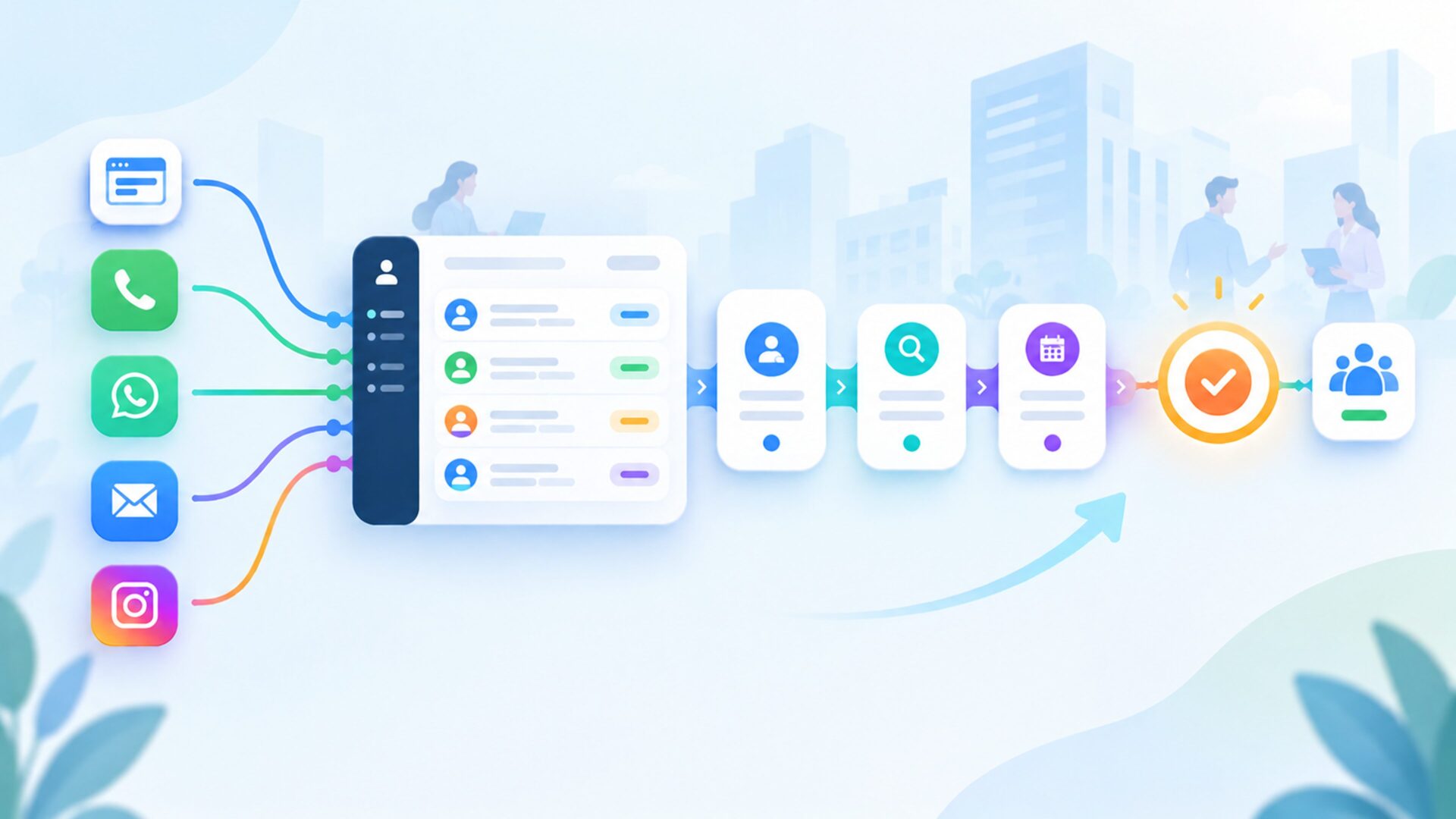
A clear complaint management process, also called a complaint handling process, keeps every case moving. Follow these five steps:
Log the complaint: Record who complained, what happened and when.
Categorize and assign it: Tag the type of issue, such as billing, delivery or service, and give it to one owner.
Set a priority and a deadline: Decide how urgent it is and by when the customer should hear back.
Track it live: Follow updates and notifications until the issue is fixed.
Resolve and review: Close the complaint, then check reports for patterns.
How to Prioritize Complaints
Not every complaint needs the same speed. A simple Low, Medium and High scale helps:
High: A safety concern, a wrong or double charge, or a problem affecting many customers.
Medium: A late delivery or a service that did not meet expectations.
Low: A general suggestion or a minor inconvenience.
Pair each level with a deadline so the team knows what to handle first.
Turning Complaints into Improvements
A complaint is also free feedback. When you review closed complaints, patterns appear: the same product, the same branch or the same step in your process causing trouble. Fix that cause and the complaints stop coming back. This is where reports matter more than speed alone.
What Should You Look for in Complaint Management Software?
When choosing complaint management software, look for these five features:
One central place to log every complaint
Assignment and priority controls
Role-based access, so people only see what they need
Real-time notifications for updates
Reports and a clear record of who did what
How TickGo Helps
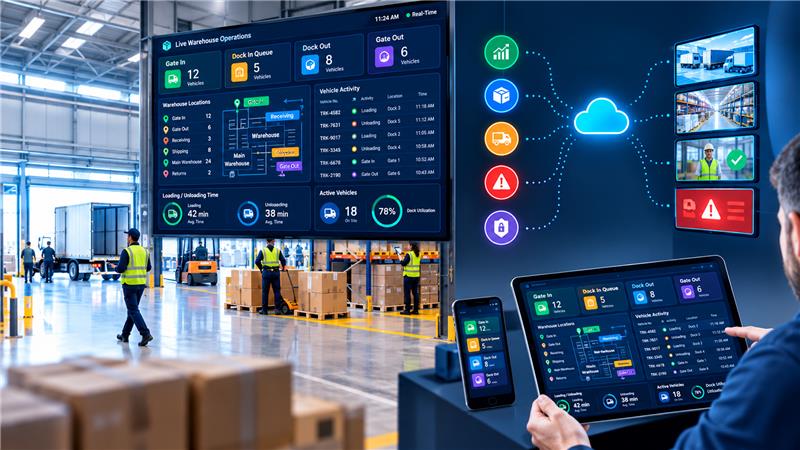
TickGo by Mawalog is a ticket management system that can handle complaints as customer-related tickets. You raise a ticket, assign it to a team member, set a priority and a deadline, track progress in real time, and then resolve and analyze it.
Role-based access, real-time notifications, mobile-friendly access, reports and analytics, and audit-friendly logging keep every complaint visible and accountable.
Frequently Asked Questions
What Is a Complaint Management System?
A complaint management system is software that records customer complaints, assigns them to owners and tracks each one until it is resolved.
What Is the Complaint Management Process?
It is the set of steps for handling a complaint: log it, categorize and assign it, set a priority and deadline, track it, then resolve and review it.
What Are the Steps to Handle a Customer Complaint?
Listen and log the complaint, assign an owner, set a priority and deadline, keep the customer updated, resolve the issue and review the outcome.
Why Is Complaint Management Important?
It helps you fix problems faster, keeps customers from feeling ignored and shows which issues keep coming back, so you can improve.
What Features Should a Complaint Management System Have?
Look for central logging, assignment, priority levels, role-based access, real-time notifications and reports.
What Is the Difference Between a Complaint and a Service Inquiry?
An inquiry is a request for information or help, such as a question about an order. A complaint is an expression of dissatisfaction with a product, service or experience.
Manage and Resolve Customer Complaints with Mawalog TickGo →
Give your team one place to log, assign, track and resolve every complaint. Book a Demo or Get Started with TickGo today.