CRM vs Excel: Why Growing Businesses Need a Better Way to Manage Leads
Almost every business starts the same way: a fresh Excel sheet, a few columns for name, phone number and status, and a promise to keep it tidy. For a while, it works. Then the enquiries multiply, a second person joins the sales team, and the sheet starts to feel less like a tool and more like a chore. That is usually the moment the CRM vs Excel question comes up.
CRM vs Excel: The Short Answer
Excel is a good fit when one person handles a small number of leads. A CRM is the better choice once several people share leads, follow-ups matter, and you need to see what is actually likely to close. Put simply, Excel stores your leads, while a CRM helps you work them.
Why Excel Feels Right at the Start
It costs nothing extra, almost everyone already knows how to use it, and you can shape it however you like. Using Excel as a CRM for your first few dozen leads is a perfectly sensible decision. The trouble is not where you start, but how long you stay.
Where Excel Starts to Struggle
Think of Excel as a paper notebook. It is great when one person writes in it. The moment five people share it, pages start getting torn.
- Manual entry: Every enquiry from a website form, a phone call or a message has to be typed in by hand, which is slow and easy to get wrong.
- No follow-up reminders: A spreadsheet will not tell you that a lead needs a call today, so quiet leads simply go cold.
- Shared-file confusion: Two people edit at once, copies pile up, and nobody is sure which version is the latest.
- No clear pipeline: Finding out which leads are new, which are in discussion and which are ready to close means filtering and colouring by hand.
- Slow reporting: Even a simple question like “how many leads did we win this month?” takes formulas and time.
How a CRM Handles the Same Situations
A CRM captures leads straight from your forms and other sources, so nobody has to retype them. It reminds the right person when a follow-up is due. Everyone works from one live record, which means no duplicate files. Leads move through visible stages, so your pipeline can be read at a glance. And reports are ready when you need them, with no recounting.
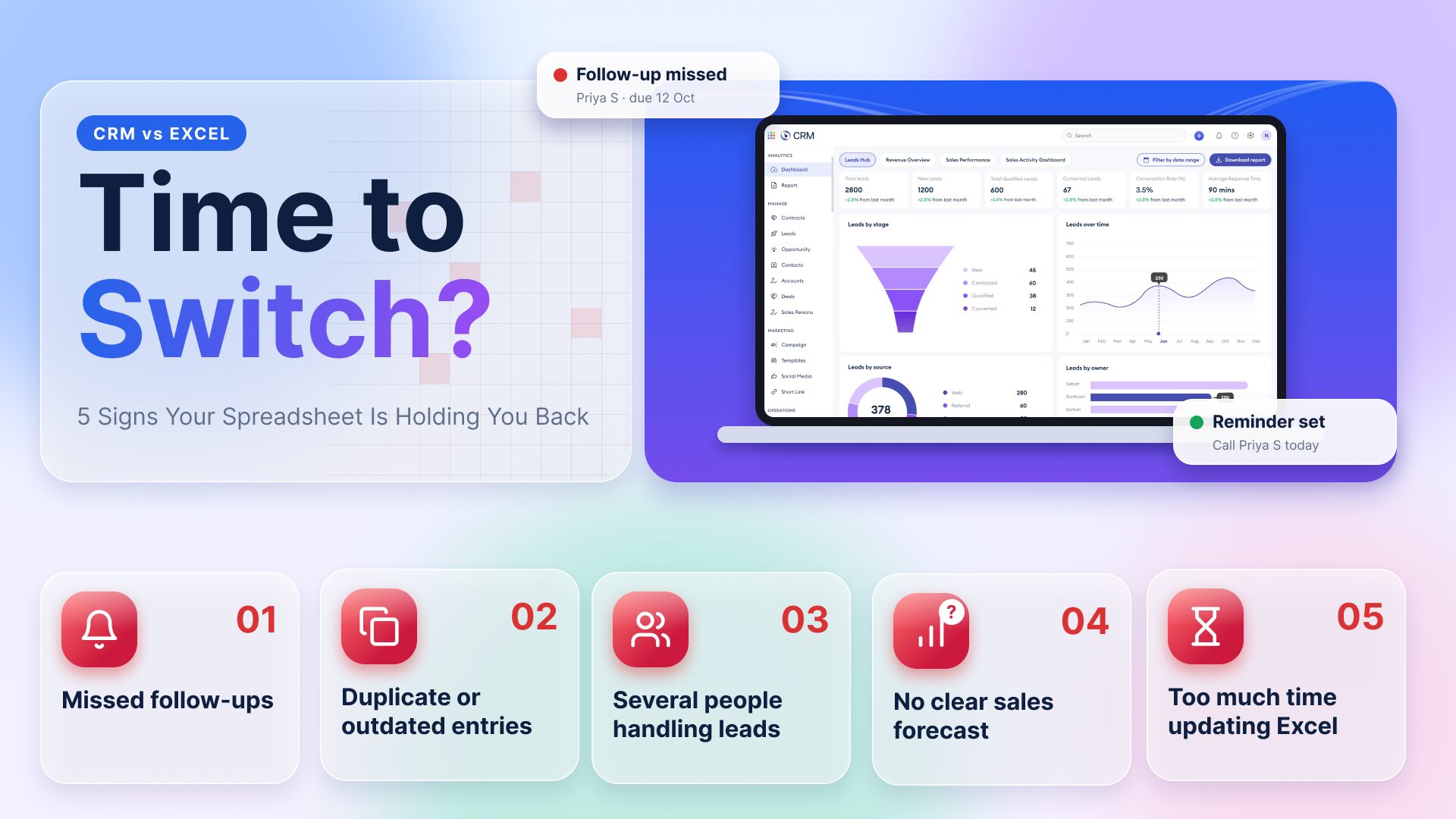
5 Signs It Is Time to Switch
- Follow-ups are being missed or forgotten.
- You keep finding duplicate or outdated entries.
- More than one person handles leads.
- You cannot say how many deals are likely to close this month.
- You spend more time updating the sheet than talking to leads.
If two or more of these sound familiar, your spreadsheet has done its job and it is time to move on.
How to Move from Excel to a CRM Without the Chaos
The switch is smaller than it sounds, and a CRM for a small business does not need to be complicated. A simple lead management system is enough to begin with.
- Clean your sheet. Remove duplicates and fix missing or wrong phone numbers.
- Decide your stages. For example: new, contacted, interested, closed.
- Bring your data in. Many CRMs accept an Excel or CSV file.
- Walk the team through it. A short session is usually enough, and keeping the old sheet as a backup for a month adds peace of mind.
How Mawalog CRM Helps
Mawalog CRM is built for the point where the spreadsheet stops being enough. It brings your leads into one place, lets your team see where each lead stands, and keeps follow-ups visible so that no enquiry is forgotten. You can start with the leads you already have and grow without changing tools.
Frequently Asked Questions
Is Excel Good Enough as a CRM?
For a handful of leads handled by one person, yes. As the number of leads and people grows, Excel struggles with reminders, shared access and reporting, which is where a CRM takes over.
When Should a Business Switch from Excel to a CRM?
Switch when follow-ups are slipping, several people share the same leads, or you cannot clearly see which leads are about to close.
Is a CRM Too Expensive for a Small Business?
Not necessarily. Many CRMs are built for small teams, and a single lead lost to a missed follow-up can cost more than a month of subscription.
What Is the Difference Between a CRM and a Lead Management System?
A lead management system focuses on capturing and tracking leads until they convert. A CRM covers that and also supports the longer relationship with customers after the sale.
Move Beyond Spreadsheets and Close More Leads with Mawalog CRM →