Digital Signage for Warehouses: A Complete Guide to Real-Time Visibility
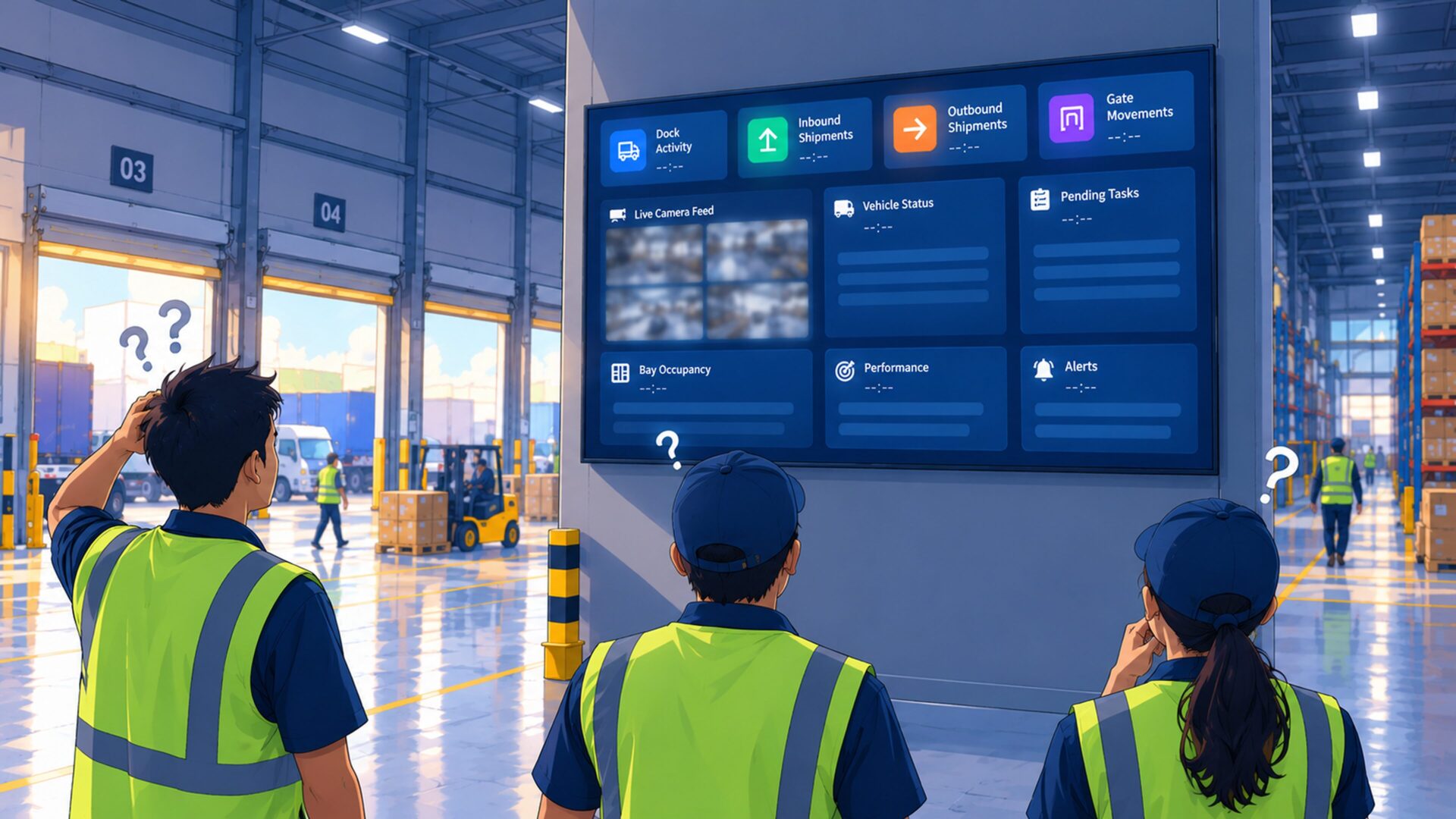
Picture a warehouse at 11 a.m. A truck waits at the wrong dock, a picker searches for stock that was moved an hour ago, and a supervisor walks the floor with a clipboard to find out what’s late.
Nothing is broken. The information just isn’t reaching people when they need it.
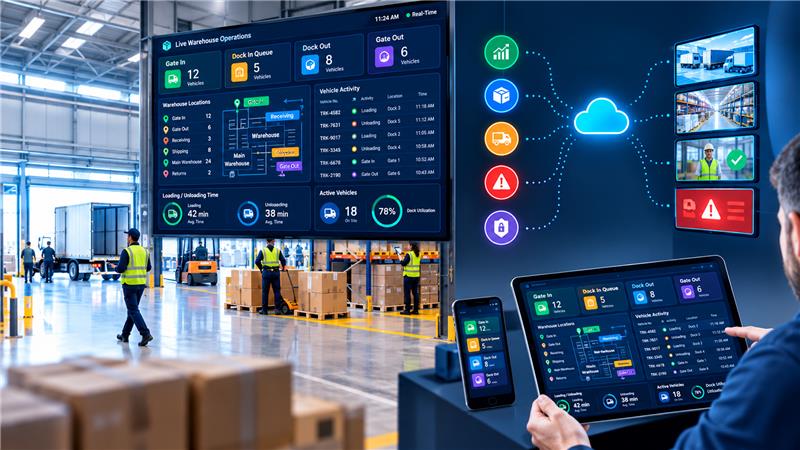
Digital signage for warehouses fixes this by putting live data on screens everyone can see.
Quick answer: Digital signage for warehouses displays live orders, dock status, stock levels, and safety alerts on large screens connected to business systems. This helps warehouse teams access important information and respond immediately instead of waiting for reports.
What Is a Warehouse Dashboard?
Think of a car dashboard. You don’t open the engine to check speed or fuel; you glance and know.
A warehouse dashboard does the same for operations.
A warehouse management dashboard gathers key operational metrics such as:
- Orders picked and packed
- Pending shipments
- Dock occupancy
- Inventory levels
- Shipment delays
A digital signage board displays this information on large screens at loading docks, picking areas, and supervisor desks. Visual indicators in green, amber, and red help employees identify what needs attention.
How Digital Signage Software Works
Warehouse digital signage typically works in three simple steps:
1. Connect
The digital signage software connects to warehouse management systems (WMS), enterprise resource planning (ERP) platforms, or transportation management systems (TMS) to retrieve relevant operational data.
2. Display
Warehouse managers choose the information each screen should display. Picking teams can view order progress, while loading dock staff can monitor truck schedules and shipment status.
3. Monitor and Act
Data refreshes automatically on connected digital signage displays, helping employees stay informed without manually updating spreadsheets or whiteboards.
How Real-Time Dashboards Improve Warehouse Operations
Fewer Delays
Live dock schedules and truck information help teams coordinate loading activities, reduce unnecessary waiting, and identify potential bottlenecks.
Faster Decisions
Supervisors can spot growing backlogs and take corrective action during a shift instead of discovering problems after reviewing end-of-day reports.
Fewer Errors
Displaying current inventory and order status helps employees locate stock more efficiently, avoid unnecessary searches, and reduce manual verification.
Safer Warehouse Floors
Digital signage screens can display personal protective equipment (PPE) reminders, safety instructions, emergency notifications, and other important workplace announcements.
More Motivated Teams
Displaying team targets and performance metrics gives employees a shared view of progress. Like a scoreboard, a well-designed dashboard can encourage collaboration and help teams work toward common goals.
How Mawalog Smart Signage Helps
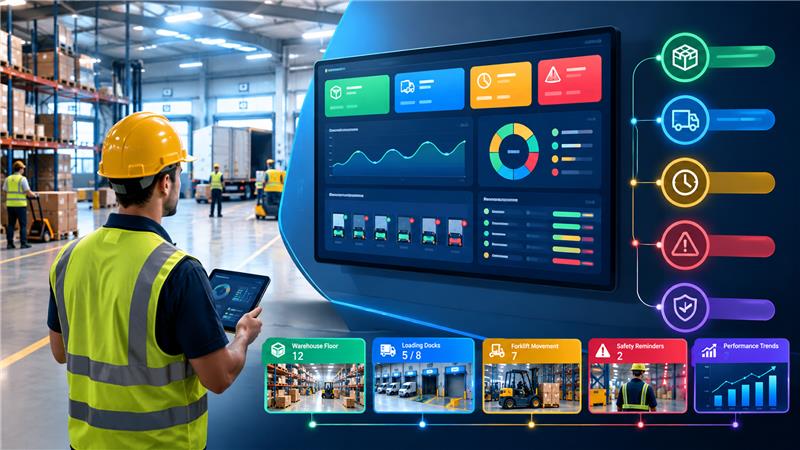
Mawalog Smart Signage turns operational data into clear, easy-to-understand dashboards displayed on large screens.
Businesses can connect data sources, display dashboards across multiple synchronized screens, and monitor the metrics that matter as operations change.
With customizable layouts and metrics, each screen can show information relevant to its location and audience. Warehouse teams can focus on picking performance, while supervisors can monitor shipment progress and dock activity.
The Mawalog Signage App, available on Google Play for mobile devices and tablets, adds convenient access to dashboards for dock operations and vehicle movement.
By making important operational information easier to access, Mawalog Smart Signage helps teams identify potential problems earlier and coordinate their response more effectively.
Getting Started with Warehouse Digital Signage
Implementing digital signage does not have to be complicated. Start with one screen and three to five key performance indicators (KPIs) that directly support daily warehouse operations.
A screen overloaded with information can be as ineffective as a cluttered noticeboard. Keep dashboards simple, readable, and focused on decisions employees need to make.
For the best visibility, position screens in locations where employees naturally pause or need operational updates, such as loading docks, picking aisles, dispatch areas, and break rooms.
Improve Warehouse Visibility with Mawalog Smart Signage →
Frequently Asked Questions
What Is Digital Signage?
Digital signage uses electronic screens to display content such as dashboards, alerts, schedules, and announcements. Content can be updated remotely through signage software instead of relying on printed notices or manually updated boards.
How Does Digital Signage Work in a Warehouse?
Warehouse screens connect to digital signage software that retrieves or receives information from connected business systems. The screens then display operational metrics, alerts, and instructions at important locations across the warehouse.
How Does Digital Signage Software Work?
Digital signage software allows users to connect data sources, design screen layouts, and publish content remotely. Depending on the platform and integration, information can refresh automatically across multiple connected displays.
What Should a Warehouse Dashboard Show?
A warehouse dashboard can display order status, picking and packing rates, dock schedules, truck movements, inventory levels, shipment delays, and safety alerts. Focus on metrics that help employees make timely operational decisions.
Can Digital Signage Integrate with WMS, ERP, or TMS?
Yes. Digital signage platforms may integrate with warehouse management systems, enterprise resource planning software, and transportation management systems through APIs, connectors, or other supported integration methods. Check compatibility with your existing systems before implementation.
Do I Need Special Hardware for Warehouse Digital Signage?
Not always. Many digital signage solutions can run on compatible commercial displays or existing TVs with supported media players. Warehouses with dusty, humid, or demanding industrial environments may require more durable hardware.
How Much Does Digital Signage Software Cost?
Pricing typically depends on the number of screens, software features, integrations, support requirements, and hardware needs. Request a quote based on your warehouse size and operational requirements before choosing a solution.
Conclusion
Digital signage can help warehouses improve operational visibility, reduce avoidable delays, and keep employees informed with timely information. By displaying relevant metrics and alerts where work happens, businesses can make better decisions and coordinate daily operations more effectively.
With the right digital signage solution, warehouse teams can spend less time searching for updates and more time keeping operations moving.
Make Warehouse Operations More Visible. Explore Mawalog Smart Signage →
“`